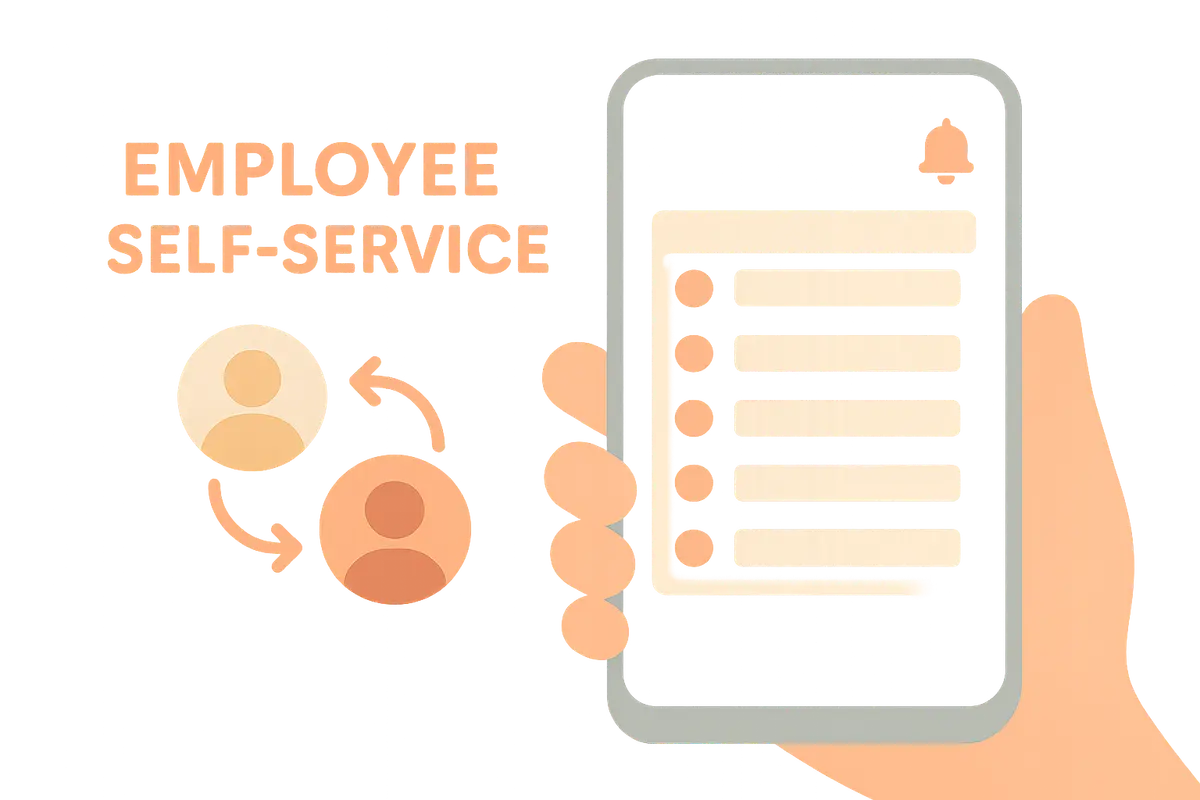
Self-service for employees: shift swaps, notifications, and overview
The best time registration systems don't just save the manager work – they give employees control. This is how self-service makes everyday life easier for everyone.
A time registration system that only serves the manager is a half-baked system. The real benefits come when employees also get tools they can use themselves – to view their shifts, swap when life demands it, and keep track without having to ask. This is called self-service, and it makes everyday life easier for everyone.
Your shift schedule in your pocket
The simplest – and most valued – feature is that employees can always view their own shift schedule on their phone. No more photos of a bulletin board, no more "what shift am I working next week?" messages to the manager. The shifts are there, updated, anytime. If the manager makes a change, the employee sees it immediately.
Shift swaps that happen on their own
Life gets in the way of shifts. Some get sick, others have appointments they can't move. Instead of such issues landing on the manager's desk every time, employees can request shift swaps among themselves: one offers their shift, a colleague takes it, and the manager approves the swap with a single click. The manager retains control – but avoids being the middleman in every rescheduling.
A good system also checks that the swap actually works: that the person taking the shift has the right qualifications, doesn't get too little rest time, and doesn't end up working overtime. This prevents a well-intentioned swap from creating a rule violation.
Reminders and notifications
Most "forgotten" shifts aren't due to malice – it's a shift that slipped the mind. A friendly reminder before the shift starts solves a lot. Notifications can also go the other way: the manager gets notified if someone hasn't clocked in for a shift that was supposed to start, so a no-show is caught immediately and not just when customers complain.
Typical notifications worth enabling include:
- Shift reminder sent to the employee before the shift begins.
- No-show alert sent to the manager if a shift isn't clocked in.
- New shift schedule when the rota for a new week is published.
- Response to request when a shift swap or vacation request is approved or rejected.
Full overview of your own hours
When employees can see for themselves how many hours are registered, how much vacation is left, and which requests have been processed, an entire category of questions disappears. Transparency builds trust: employees know the hours are correct, and the manager doesn’t have to answer the same thing over and over again.
In short
Self-service gives employees shift schedules, shift swaps, notifications, and hour summaries right in their pocket – and gives the manager fewer interruptions and better workflow. Enable the notifications that matter, let employees swap shifts within safe limits, and let transparency do the work. Everyone benefits when the system also works for those actually on the shifts.
Related articles
From time tracking to payroll: approval and payroll export
Hours are logged – but the path to correct payroll goes through approval, corrections, and export. This is how you close the loop without double work.

Holidays and leave without a headache
The Holiday Act grants employees the right to time off – and employers the obligation to keep track of the balance. Here’s how to manage holidays, self-certification, and other leave without it turning into chaos.

Overtime and working hours: what the Working Environment Act requires
Overtime is legal, but it is strictly regulated. Here are the rules for standard working hours, overtime, breaks, and rest periods – and how a good system helps you stay within the limits.
